Batch video catching
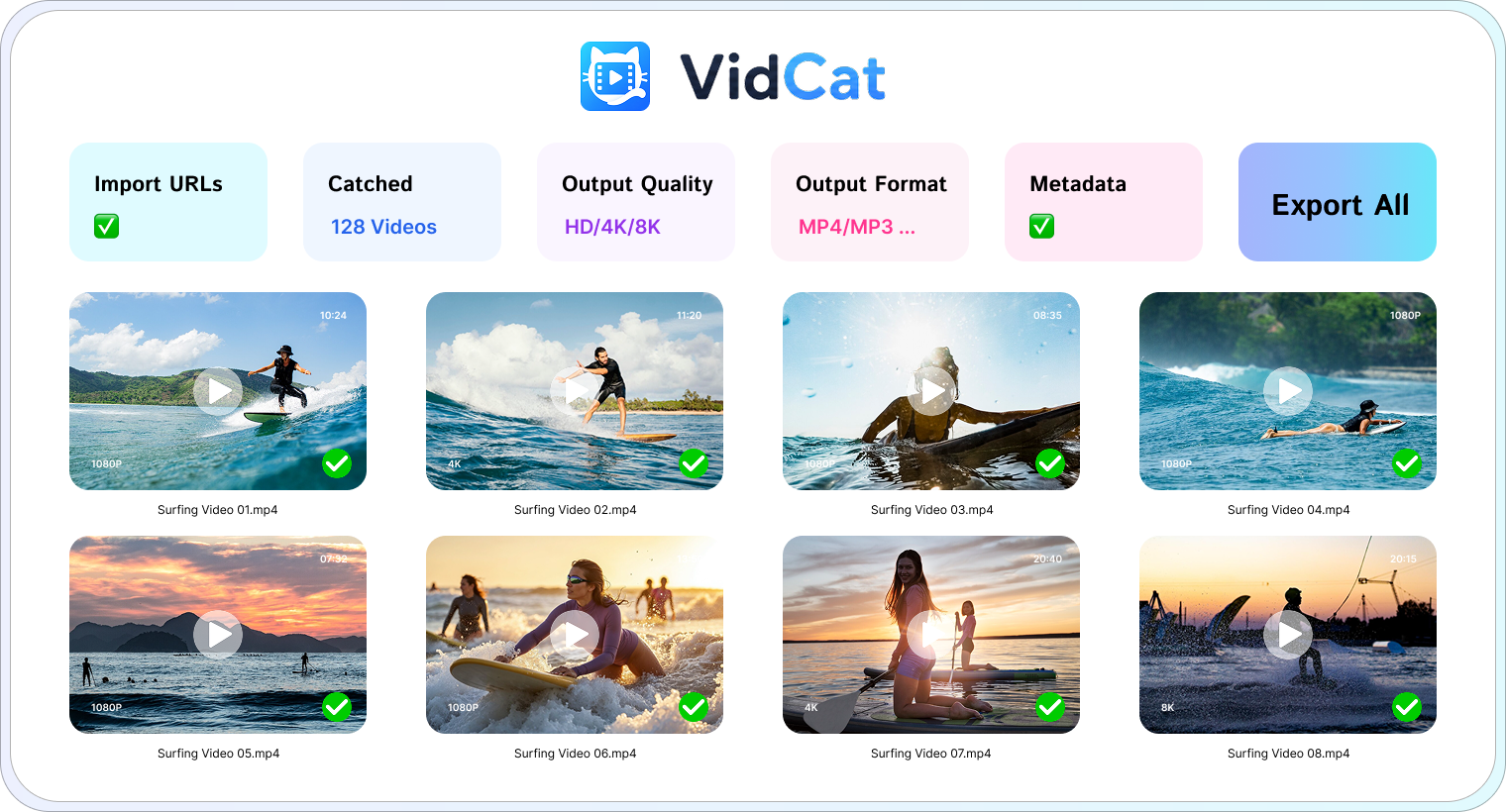
Add multiple video URLs and process them together instead of repeating the same steps for every link.
 VIDCAT FOR WINDOWS & macOS
Save single videos, full playlists, and private content you have permission to access. Enjoy batch downloads, up to 8K quality, and flexible output formats on your own computer.
Start with the free VidCat trial. Choose your platform and download instantly.
VidCat gives you more control, from discovering videos to organizing the final files.
Get VidCat free ↓Add multiple video URLs and process them together instead of repeating the same steps for every link.
Catch an entire playlist or channel with one click, then choose exactly what you want to export.
Preserve the highest quality offered by the source, from HD and 4K all the way to 8K when available.
Export to MP4, MOV, MKV, AVI, MP3, and other popular formats for your devices and editing tools.
Download private or embedded content that you have permission to access and save for offline viewing.
Keep subtitles, thumbnails, titles, and other useful metadata together with your downloaded videos.
Select your preferred output format and video or audio quality.
Add one or more video, playlist, or channel links to VidCat .
Let VidCat analyze the links and build your download list.
Save the selected videos directly to your download folder.
That’s all it takes to build your offline video library.
Install VidCat on your Windows PC or Mac and manage downloads in a dedicated workspace.
Download the free VidCat trial and explore the full desktop workflow.